
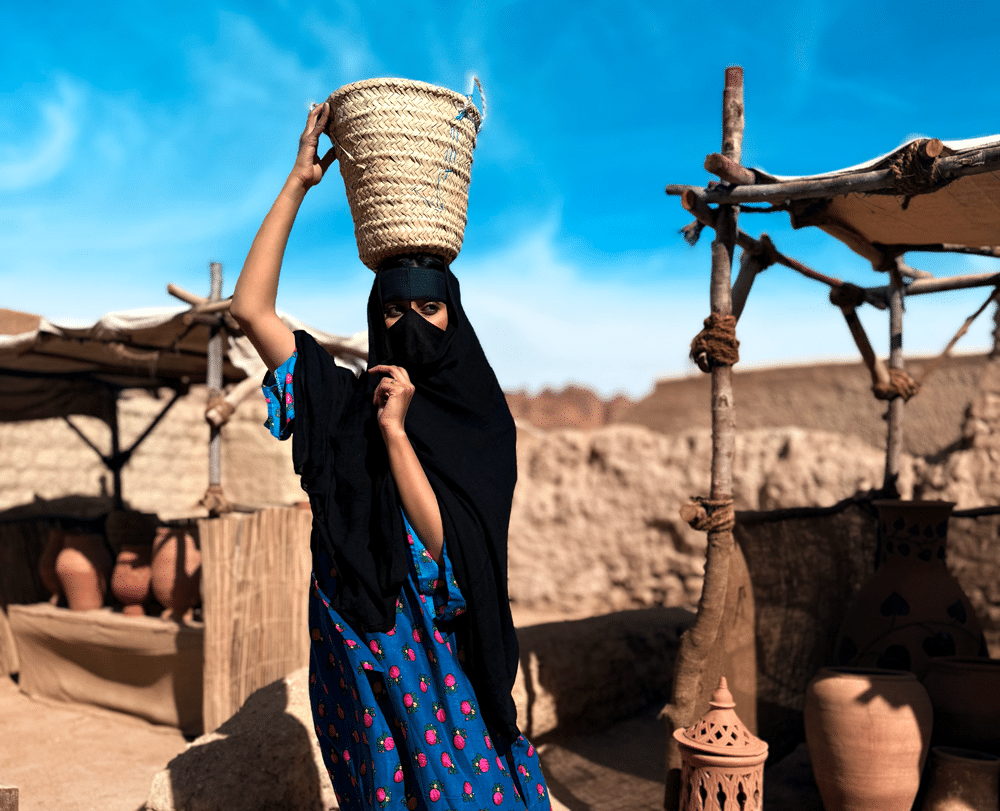

Saudi Founding Day is back, and with it comes a citywide spectacle of culture, heritage, and—let’s be honest—photos that will flood your social feed.
Riyadh will be decked out in historical grandeur, fireworks will light up the skyline, and there will be enough dramatic lighting to make even your worst camera skills look halfway decent.
Whether you’re capturing the grandeur of At-Turaif, the bustling street celebrations, or a perfectly framed kunafa at one of Riyadh’s best Saudi restaurants, there’s no excuse for taking bad photos—especially when photographer and videographer Abdullah Aljarah has given us the cheat codes.
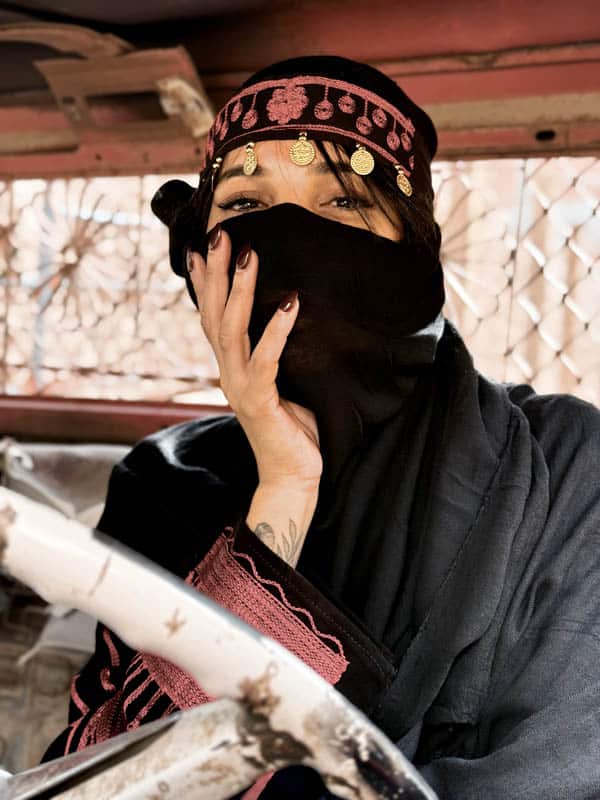
Aljarah, a maestro of iPhone photography, has mastered the art of turning everyday moments into scroll-stopping visuals. And since Founding Day is essentially an Instagram goldmine, here’s how to ensure your shots look more art than afterthought.
Clean the Lens (because blurry is not a vibe)
Before you start snapping away at that majestic firework display or the intricately embroidered bishts in the Founding Day march, give your lens a quick wipe. Your pocket lint doesn’t add a vintage filter—it just makes everything look like it was shot through a foggy car window.
Lighting is King
Natural light is your best friend, but Founding Day happens to include a lot of night-time festivities. If you’re shooting fireworks or cultural performances at Boulevard City, avoid using flash—it only captures dust particles and regret. Instead, try shooting during the golden hour (just before sunset) for those rich, warm tones, or embrace the city’s ambient glow for moody nighttime shots.
Control the Brightness
iPhones give you the power to adjust brightness with a simple tap and slide. If the fireworks at Prince Turki bin Abdulaziz Al Awwal Road look more like an overexposed mess than a celestial masterpiece, lower the brightness. Similarly, if your perfectly plated Founding Day meal at Sisi’s Eatery looks like it was served in a dimly lit dungeon, crank it up.
Focus on a Clear Subject
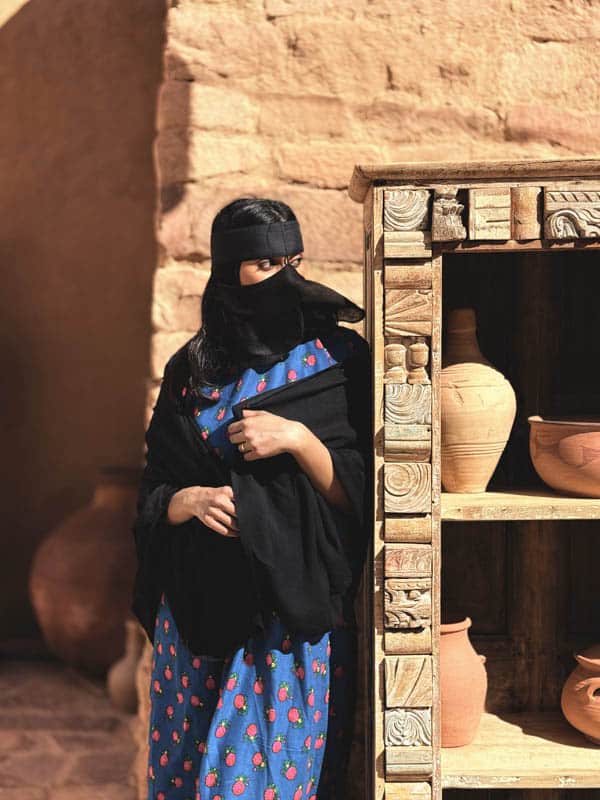
A good photo has a star. Maybe it’s a performer in the cultural parade, the historic stone walls of At-Turaif, or a child waving a Saudi flag. Choose your subject and let everything else fade into a tasteful blur—Portrait Mode works wonders for this.
Master the Art of Composition
Enable the grid feature in your iPhone settings and suddenly, you’re a professional. Use the rule of thirds: don’t plonk the main subject in the dead center like an ID photo. Play with angles—maybe a low shot of the fireworks exploding overhead or a street-level view of the Founding Day march.
Play with Lenses
Your iPhone has multiple lenses for a reason. Use the wide-angle for sweeping cityscapes of Riyadh’s celebrations and the telephoto lens for close-ups of historical costumes or calligraphy details on banners. Fireworks? Try different zoom levels to see what works best.
Capture the Unexpected
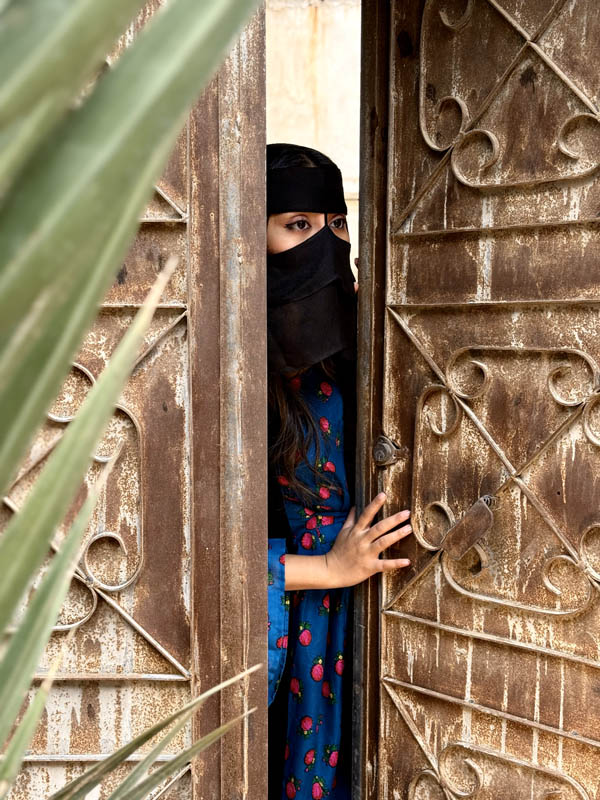
Posed photos are fine, but the magic is in spontaneity. Use burst mode for quick reactions—whether it’s a child’s excited expression as the fireworks begin or the chaos of a traditional dance breaking out in the streets. These are the shots that tell the real story.
Details Matter
Sometimes, the smallest details make the biggest impact. A henna-adorned hand, a flickering lantern, the embroidered edge of a thobe—these tell a story beyond the obvious. Use Portrait Mode to highlight these finer touches.
Edit, But Don’t Go Full Photoshop Fail
Subtle edits elevate a photo; over-editing turns it into a crime scene. Use the Photographic Styles feature to enhance tones and moods without making your subjects look like wax figures. A slight contrast boost, a touch of warmth—done.
So this Founding Day, don’t just take pictures—capture history. And if you follow these tips, at least your photos will be memorable for the right reasons.